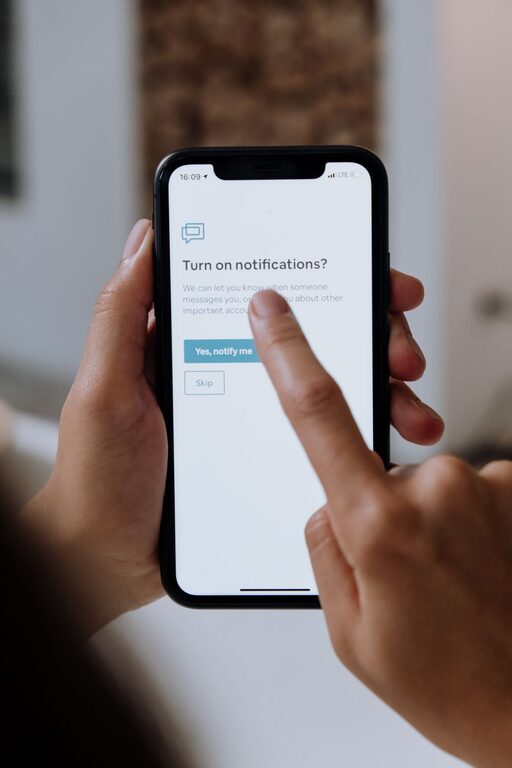
In today’s digital world, notifications are everywhere—popping up on our phones, computers, and even smartwatches. While they can be helpful reminders, constant notifications can quickly become overwhelming, distracting us from important tasks and even affecting our well-being. Setting boundaries with notifications is essential to regain control over your time and attention. In this post, we’ll explore practical tips to help you manage notifications more effectively.
Why Setting Boundaries with Notifications Matters
Notifications are designed to grab our attention, often interrupting our workflow or downtime. When we get too many alerts, it can cause stress, reduce productivity, and lead to digital burnout. By setting clear boundaries, you can focus better, reduce distractions, and create a healthier relationship with technology.
Tips for Managing Your Notifications
1. Assess Which Notifications Are Necessary
Start by reviewing the notifications you currently receive. Ask yourself:
– Which alerts do I genuinely need?
– Which ones can wait until I check them manually?
– Are there any notifications that cause unnecessary stress?
Only keep notifications that provide real value or require timely action. For example, work-related emails during business hours might be important, but social media alerts can often be silenced.
2. Use Do Not Disturb Modes
Most devices have a “Do Not Disturb” mode that silences notifications for a period. Use this feature during focused work sessions or personal time:
– Set specific hours during the day when notifications are paused.
– Customize exceptions for calls or messages from important contacts.
– Take advantage of automatic scheduling, such as enabling Do Not Disturb overnight.
This helps create uninterrupted blocks of time to concentrate or rest.
3. Customize Notification Settings per App
Instead of disabling notifications globally, customize them app-by-app:
– Turn off notifications for apps that are less urgent.
– Choose to receive banners, badges, or sounds based on importance.
– Disable sounds or vibrations to minimize distraction while retaining visual alerts.
This granular control ensures you stay informed without being overwhelmed.
4. Batch Notifications for Checking
Instead of reacting to notifications as they arrive, decide on specific times to review them:
– Set designated periods during the day to check emails, messages, and social media.
– Use features like “Summary” notifications that bundle alerts together.
– Avoid constant phone checking by putting your device away between batches.
Batching helps reduce interruptive habits and improves focus.
5. Turn Off Notification Previews
Notification previews often reveal message contents on your lock screen or pop-ups, which can be distracting or intrusive:
– Disable previews for non-essential apps.
– Enable previews only for trusted contacts or critical alerts.
– This lets you maintain privacy and controls when you want to see details.
6. Communicate Your Preferences
If you work in a team or live with others, let them know about your notification boundaries:
– Inform colleagues about your “quiet” hours.
– Encourage using emails or messages over instant calls when appropriate.
– Set expectations for response times to reduce pressure.
Clear communication helps others respect your focus time.
7. Utilize Focus and Productivity Apps
Several apps can help manage notifications and increase productivity:
– Use apps like Forest or Focus@Will to aid concentration.
– Explore tools that limit app access during selected times.
– Some platforms, like iOS and Android, now offer built-in Focus modes tailored to work, personal, or sleep time.
These tools offer digital support for your boundary-setting efforts.
8. Keep Your Devices Organized
An organized device can reduce notification clutter:
– Group apps into folders for easier access.
– Delete or disable unused apps that still send notifications.
– Regularly review app permissions and notification settings.
A clean and organized device environment promotes calm and control.
Benefits of Setting Notification Boundaries
By actively managing your notifications, you can:
– Improve concentration and productivity.
– Reduce stress and prevent burnout.
– Gain more control over your time.
– Enjoy more meaningful personal or downtime.
– Protect your privacy and reduce information overload.
Conclusion
Notifications aren’t going away anytime soon, but you don’t have to let them control your life. By setting thoughtful boundaries with notifications, you create space to focus on what matters most. Begin by evaluating your current alerts, use device features like Do Not Disturb, customize settings per app, and communicate your preferences. With consistency, you’ll find a healthier balance between staying informed and maintaining focus.
Remember, managing notifications is a personal process—feel free to experiment and adjust until you find what works best for you. Taking these small steps can have a big impact on your daily productivity and overall wellbeing.

Related Posts